


Latest Version
Anuman Interactive / Microids
Design
Windows
9.99
9nblggh2r5wf
Report a Problem
More About Home Design 3D
The Ultimate Virtual Blueprint Experience
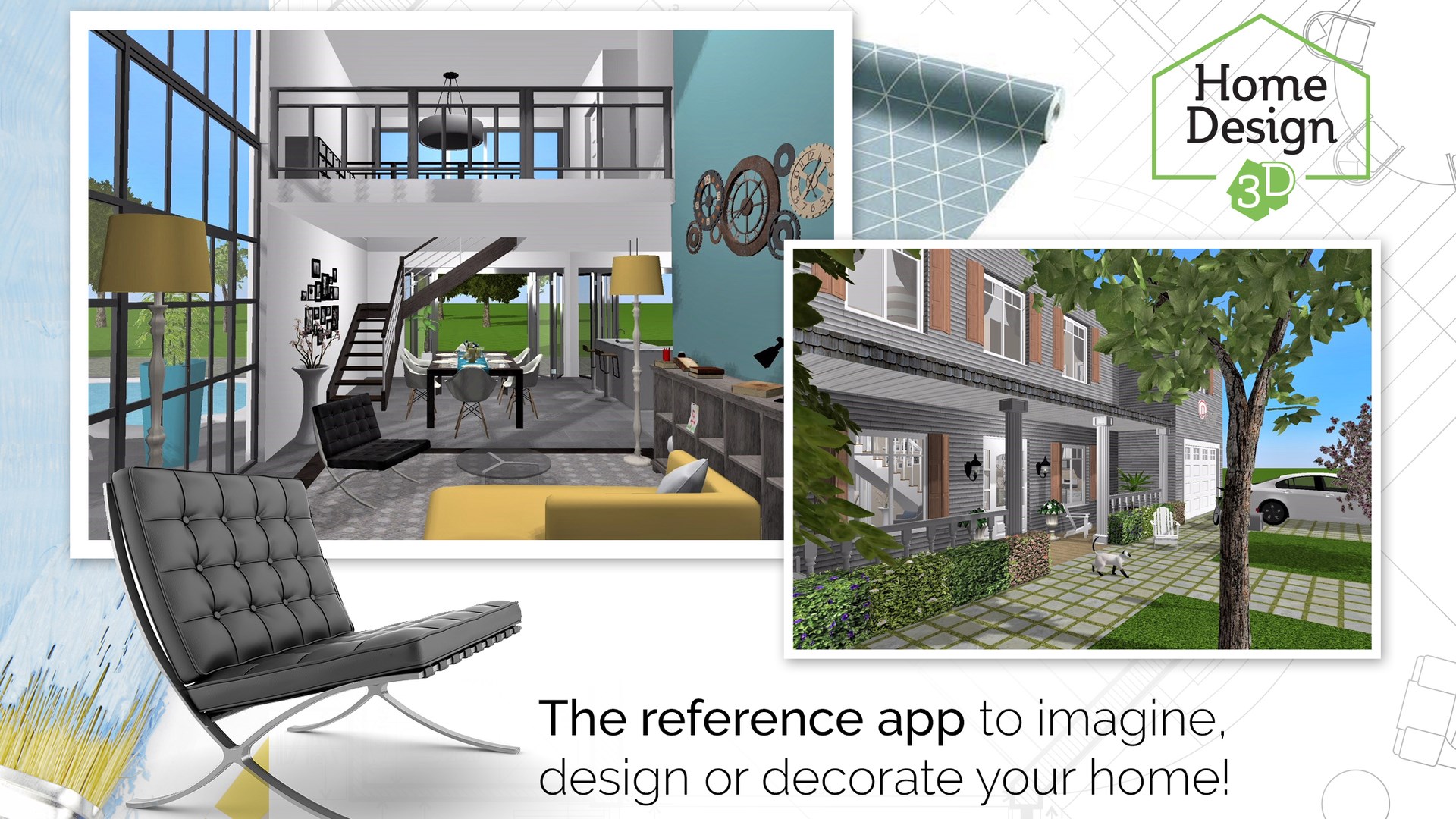
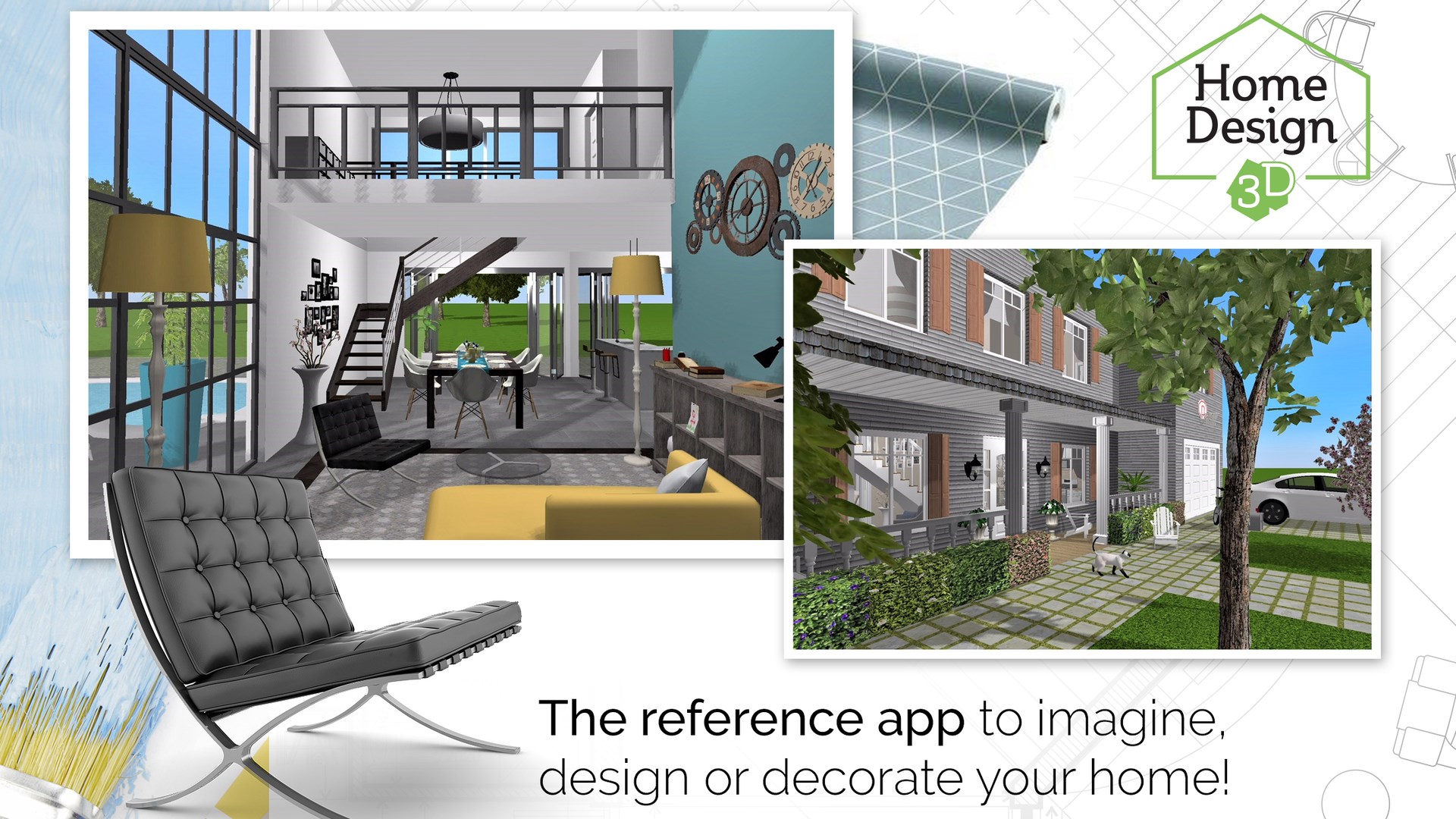
Stepping into the world of home renovation can be daunting, but the Home Design 3D interior design app makes the entire process feel like an absolute breeze. Developed by Anuman Interactive / Microids for the Windows platform, this software bridges the gap between complex CAD programs and accessible, consumer-friendly planning tools. Whether you are looking to remodel a single room or map out an entire multi-story estate, the interface welcomes you with intuitive tools that require zero professional architectural training.
Crafting Your Floorplan with Ease
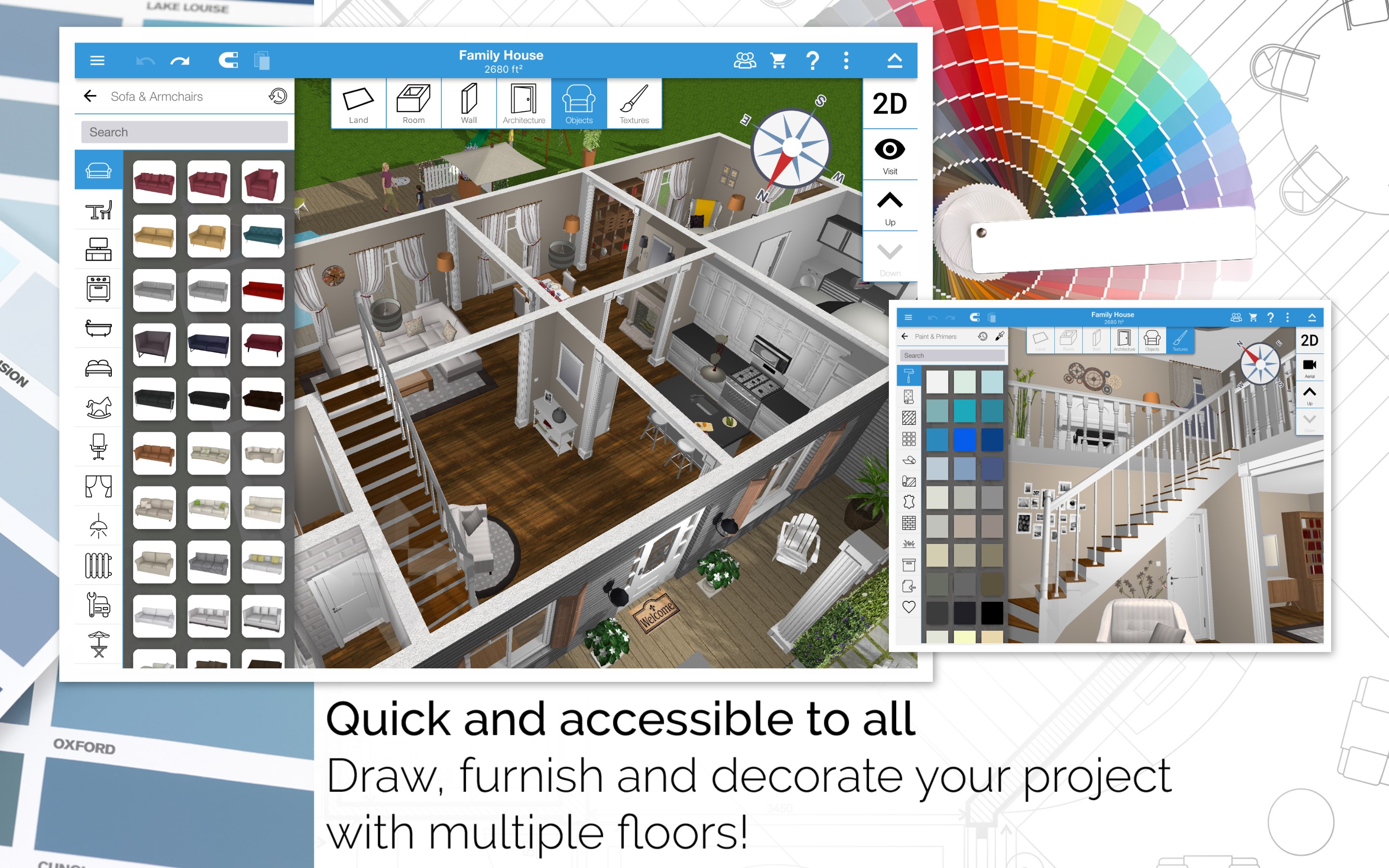
The journey begins with structural layout. The Home Design 3D interior design app allows users to work dynamically in both 2D and 3D spaces. You can effortlessly draw your land boundaries, partition rooms, and adjust wall thickness or height to match real-world specifications. Placing doors, windows, and custom joinery is as simple as dragging and dropping, with fully resizable elements ensuring everything fits perfectly to scale.
Furnishing, Customization, and Detail Work
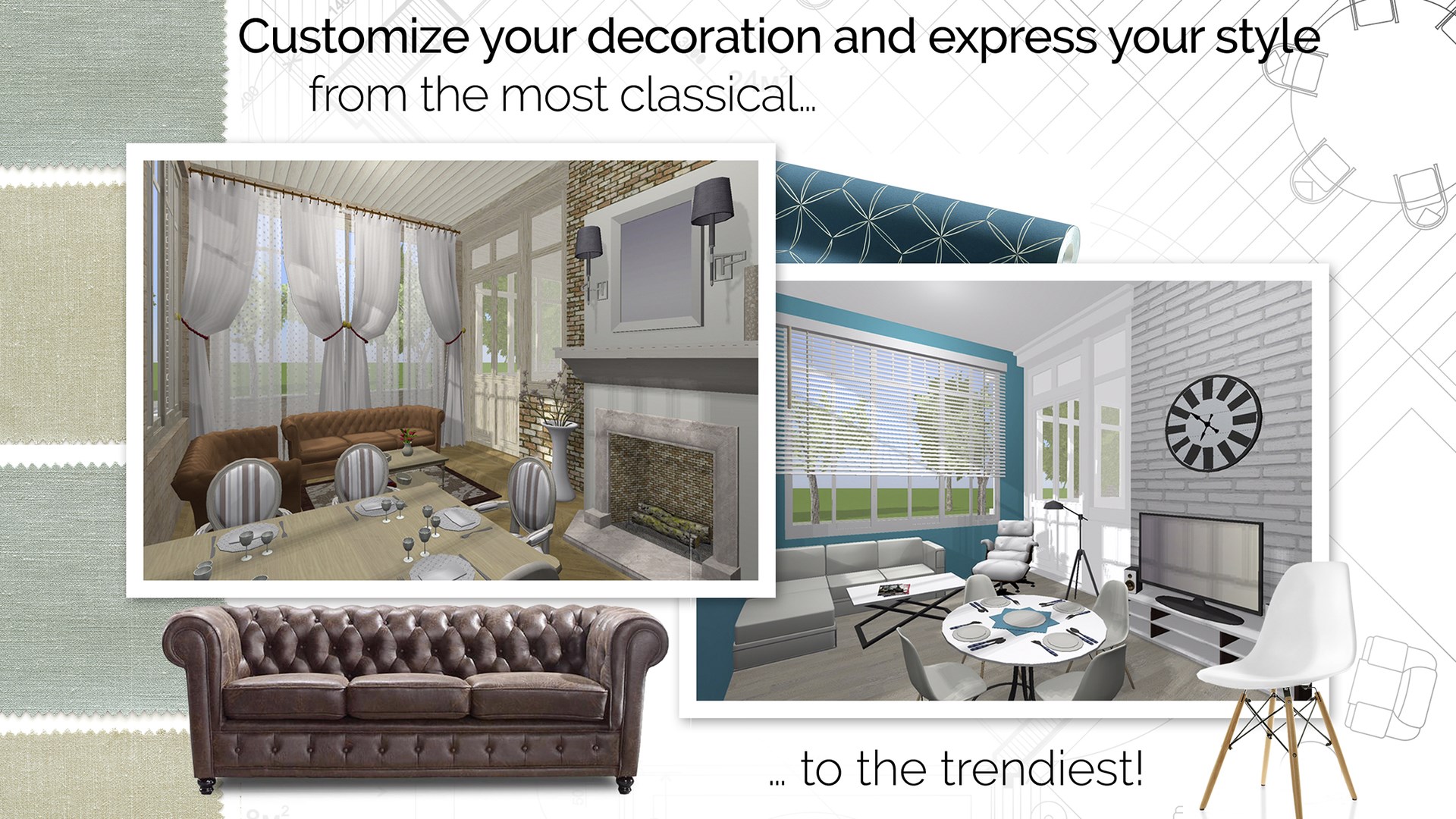
Once your structural foundation is set, the creative decoration phase begins. The software boasts an extensive catalog of over 1,600 pieces of furniture and decor accessories. You can customize the look of almost any object, adjusting its scale, color, positioning, and height on the wall. For those who want a truly bespoke look, you can even import your own images to use as custom textures on any surface.
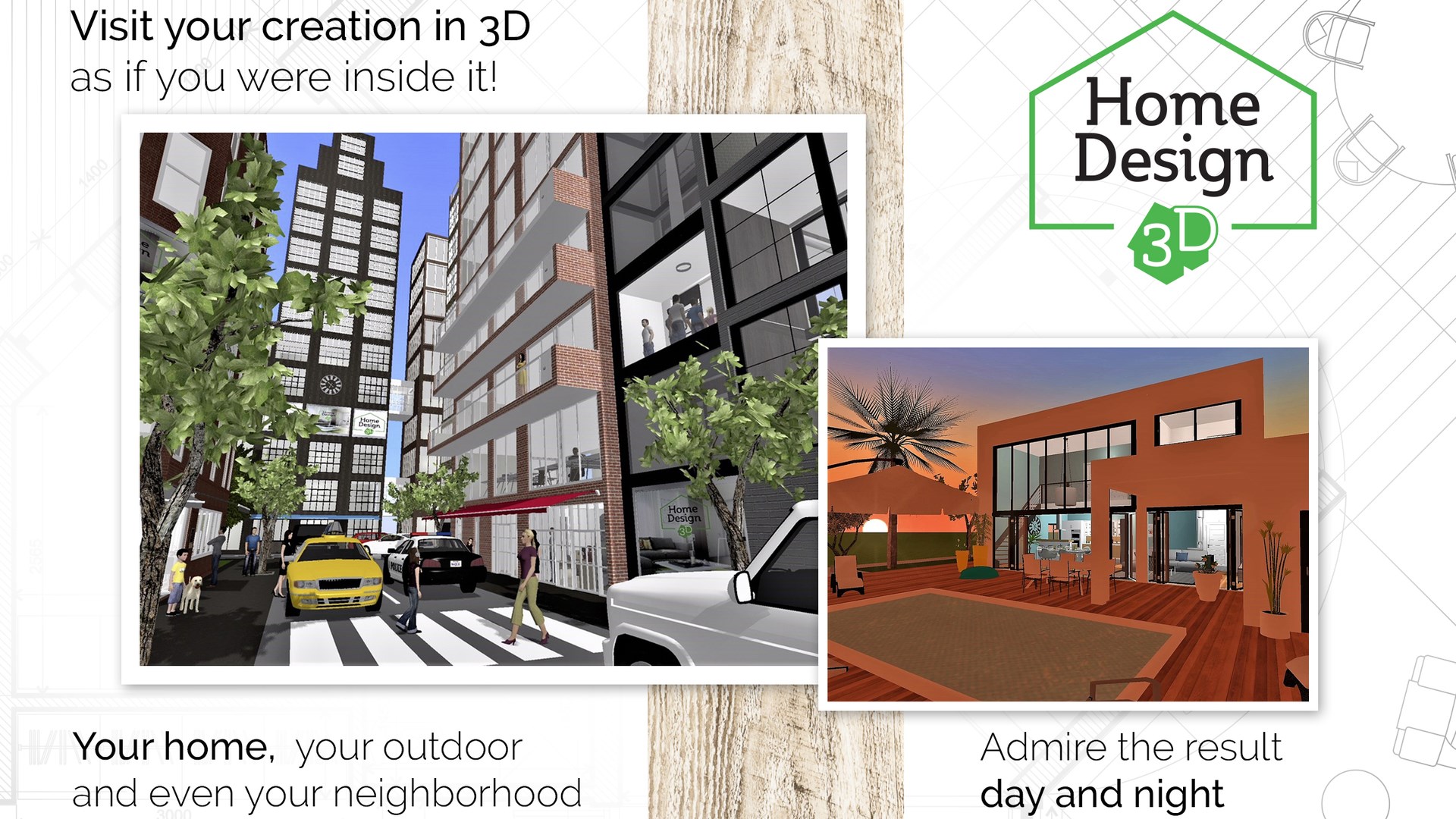
- Real-Time 3D Rendering: Walk through your creations in first-person view to experience the spatial layout firsthand.
- Day and Night Simulation: Use the built-in compass tool to see exactly how natural light falls across your rooms at different times of the day.
- Cross-Platform Project Sharing: Export your files and continue working across different devices, or share your designs via cloud services like OneDrive and Dropbox.
Who Is This Design Tool For?
This software is an excellent match for homeowners planning a real-life remodel, interior design enthusiasts, and DIY decorators who want to test their layout ideas before moving heavy furniture. Because it operates completely offline, you can work on your blueprints anywhere without needing a constant internet connection. Professional manufacturers can also get in touch with the developers to integrate their actual product lines into the digital ecosystem.
Begin Designing Today
If you are ready to turn your structural concepts into highly detailed digital models, this tool offers the perfect balance of simplicity and depth. To explore its features and start planning your next renovation project, visit the official Microsoft Store page to get started with Home Design 3D on Windows.
Rate the App
User Reviews









Popular Apps










Editor's Choice